Start a Blog With No Tech Skills: Your Step-by-Step Guide
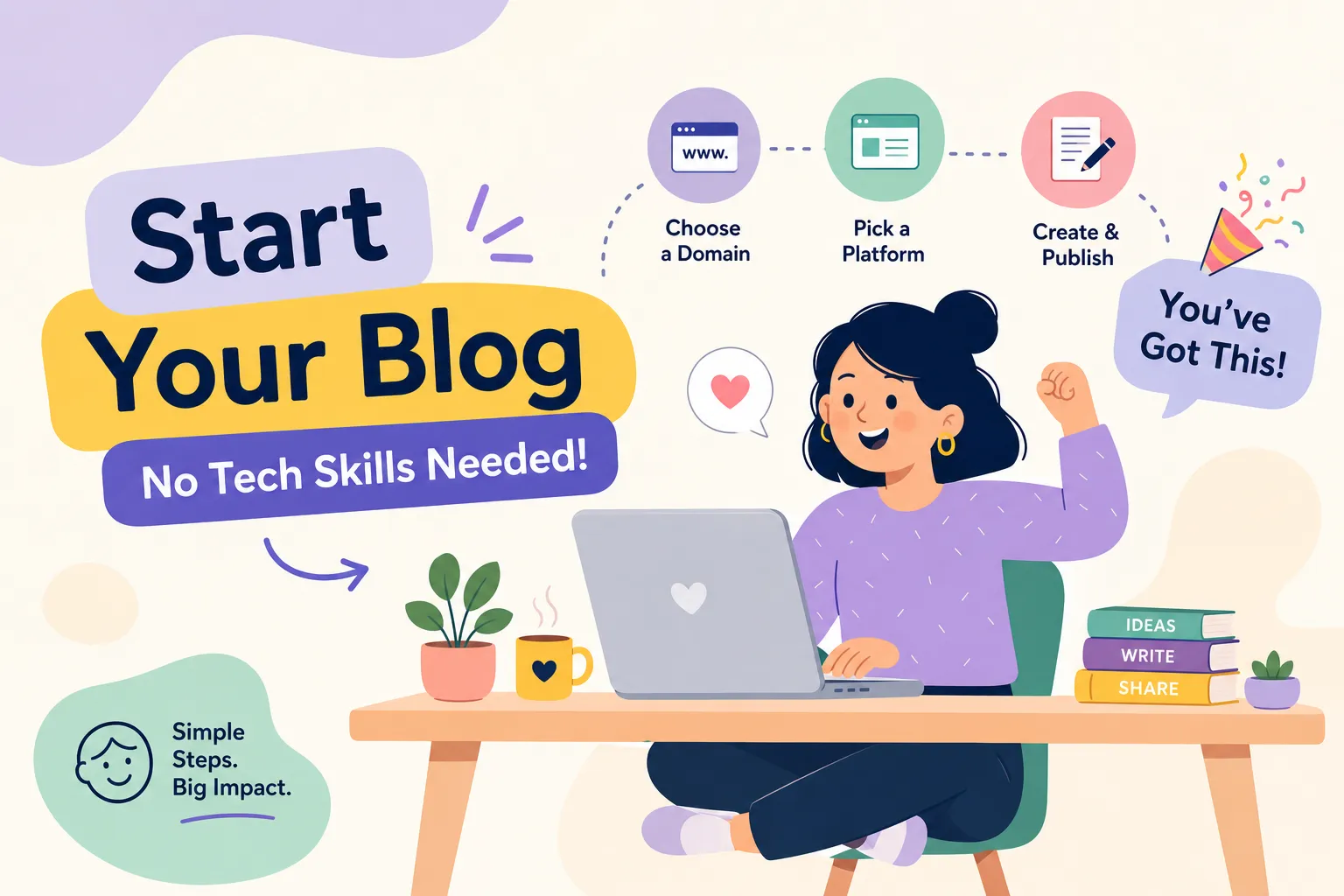
If you've ever asked yourself, "How do I start a blog with no experience or technical skills?", you're not alone, and more importantly, you're not stuck. Most people who want to start a blog never do. Not because they lack ideas or have nothing to say, but because they've convinced themselves that blogging requires coding knowledge, server management, or some kind of web development background they don't have. That belief is a myth, and it's costing you time you'll never get back.
Modern blogging platforms have quietly eliminated almost every technical barrier that existed ten years ago. The setup that once required a developer now takes an afternoon and a free account. Here at The Growth Engine, the entire content philosophy is built on this premise: plain-English, beginner-first guidance for people who feel like they're not "tech-ready" enough to start building something online. You are ready. You just need the right map.
This guide walks you through every step: choosing a platform, understanding costs, publishing your first post, making it look professional, and getting your first real readers. No jargon, no assumptions, no skipped steps.
The technical skills myth that's keeping you from starting
What blogging actually requires today
Blogging in 2026 is closer to writing in Google Docs than building a website from scratch. The platforms covered in this guide handle hosting, design rendering, and all the publishing mechanics invisibly in the background. What you actually need as a beginner is a topic you understand, basic writing ability, and the willingness to show up consistently. Code is not on that list.
Think of it this way: starting a blog today is like sending a well-formatted email to a large audience. You write something useful, hit publish, and the platform takes care of everything else. The technical infrastructure is someone else's problem. Your only job is the content.
Why waiting until you're "ready" is the real mistake
Many beginners spend months watching tutorials, learning HTML, or researching hosting options before they ever write a single word, then discover that the platform they finally chose required none of that preparation. The sunk cost of waiting is real: lost momentum, lost content ideas, and a gap between you and creators who simply started without overthinking it.
The setup covered in this guide takes a few hours, not weeks. The version of you who launches an imperfect blog today will always be ahead of the version who waits for perfect conditions that never arrive.
How to start a blog with no experience: Picking the right no-code platform
Free platforms for getting started with zero friction
If you want to test whether blogging is right for you before spending a dollar, two platforms remove every barrier. Medium requires no setup at all, create an account, write your post, and publish. The entire workflow takes under ten minutes. Blogger runs on Google's infrastructure, costs nothing, and requires no technical knowledge to get running. Both are legitimate starting points for someone who wants to experience publishing before making any commitments.
The honest trade-off on both platforms is limited control. You give up custom branding, meaningful SEO capability, and long-term flexibility. For a personal project or a test run, that's a fair exchange. For someone building toward an audience or income, you'll eventually want more room to grow.
Platforms with room to grow (and why most beginners end up here)
WordPress.com and Wix occupy the middle ground that most beginners land on: free plans to start, with clear upgrade paths when you're ready to invest. WordPress.com offers stronger long-term SEO potential and a large ecosystem of support resources, which matters once you start thinking about getting found on Google. Wix has a more intuitive drag-and-drop editor that feels less intimidating on day one, particularly if you're visually oriented and want your blog to look polished quickly.
Squarespace is worth considering for creatives who want a design-forward look without hiring anyone. Its templates require no design background to use well. The trade-off is cost: Squarespace starts around $8 per month, so it's worth knowing upfront rather than finding out later.
How to choose the right platform in two minutes
Your decision comes down to your primary goal. Pure writing with zero setup? Choose Medium. Zero cost with no frills? Blogger handles that reliably. For growth potential and stronger SEO over time, WordPress.com is the better long-term choice. Visual design? Wix is the most intuitive drag-and-drop option available.
One platform you'll see recommended heavily elsewhere is self-hosted WordPress.org. It's a powerful option, but it requires separate hosting setup, manual installations, and ongoing maintenance that puts it outside "no technical skills needed" territory. That's a worthwhile upgrade for later, it's not the right starting point for someone asking how to start a blog with no experience or technical skills.
What starting a blog actually costs in 2026
The $0 path and what you're trading for it
A blog can be completely free using Blogger or WordPress.com's free tier. The trade-off is a subdomain address (something like yourblog.wordpress.com instead of yourblog.com) and limited design customization. For someone testing a topic or writing as a personal project, this is a perfectly legitimate starting point. No credit card, no hosting bills, no setup fees. That said, when you're ready to take things more seriously, upgrading to a custom domain is a straightforward next step worth planning for.
The $50, $100/year setup most serious beginners choose
Once you decide blogging is something you're sticking with, a custom domain and a basic paid plan become worth the investment. A domain name runs $10, $15 per year. WordPress.com's entry-level paid plan starts at $4 per month billed annually ($48/year) and includes a free custom domain for the first year. Wix requires a higher-tier plan (the Core plan at roughly $17/month) to include a custom domain, putting its annual cost closer to $200. That makes WordPress.com the significantly more affordable option for a first serious setup.
Free themes on both platforms are good enough to start with. Premium themes are optional and can wait until you've validated that you're going to keep showing up. The goal in the first few months is publishing content, not perfecting the visual presentation.
How to start a blog with no technical skills: Setup and your first post
Signing up, picking a theme, and getting oriented
On WordPress.com, the signup process is straightforward: create your account, name your blog, and choose a free theme from the options provided. Themes are reversible, you can switch to a different one at any point without losing your content. Don't spend more than ten minutes on this decision. The goal of day one is getting the structure in place, not achieving perfection.
If you're upgrading to a paid plan and want a custom domain, you'll connect it during signup. WordPress.com walks you through each step with clear prompts and on-screen instructions, so there's nothing to configure manually.
Publishing your first post on WordPress.com
Once your blog is set up, go to your Dashboard and click Posts in the left sidebar. Select Add New Post to open the editor. Type your title in the field at the top, then click below it to start writing your content. The editor works similarly to Google Docs: you can bold text, create headings, and insert images using the "+" block button.
When your post is written, add a featured image using the sidebar panel on the right. Click Preview to see how it looks to a reader, then click the blue Publish button in the top-right corner. WordPress will ask you to confirm; click Publish again and your post is live. The entire process takes about twenty minutes the first time.
Publishing your first post on Wix
On Wix, log in and open the Blog Manager from your site dashboard. Click New Post, add your title, and write your content in the editor. Use the toolbar to add headings, images, or formatting. Add a cover image at the top of the post, then hit Publish in the top-right corner. Both platforms auto-save drafts continuously, so there's no risk of losing your work mid-session.
Publish an imperfect first post rather than polishing indefinitely. Your first post will not be your best post. That's true for every blogger who has ever built something worth reading.
Making your posts look professional without design skills
Free tools that handle the visual heavy lifting
Canva is the go-to tool for bloggers with no design background. The free tier includes thousands of pre-made blog graphic templates, a drag-and-drop editor, and access to over one million stock photos licensed for personal or commercial use. The workflow is simple: pick a template, swap the text and image, download it, and upload it to your post. Adobe Express is a solid alternative if you want a second option. Neither requires any design experience.
Where to find free images that don't look generic
Three sources cover almost every visual need a beginner blogger has. Unsplash is the best option for high-resolution photography with a natural, editorial feel. Pexels covers both photos and short video clips with strong search filters. Pixabay adds vectors and illustrations to the mix, with over five million files available at no cost. All three allow commercial use without attribution required, though it's worth verifying the license on any specific image before using it in a monetized context.
One detail beginners often skip: write descriptive alt text for every image you upload. Alt text describes the image for screen readers and accessibility purposes, and it signals relevant context to search engines, which supports your SEO without any extra technical work.
Getting your first 100 readers without paid ads
Basic on-page SEO that requires no plugin or technical expertise
SEO doesn't require a plugin or a technical background at this stage. It just requires attention to a few key elements before you hit publish. Include your target keyword in the post title and keep the title under 60 characters. Write a meta description under 160 characters that summarizes what the post delivers. Use a short, clean URL that reflects the post topic. Place the keyword naturally in your first paragraph, and use H2 headings to organize the post into clear sections.
Once you have two or three posts published, add internal links between them. Linking your new post to one or two older posts keeps readers on your site longer and helps search engines understand how your content connects. That's the entire beginner SEO checklist. You don't need more than this to start.
Promoting your post where your readers actually are
A brand-new blog has no domain authority, which means SEO alone won't generate traffic in the first few weeks. Active promotion matters more than optimization in the early days. Share each post on two or three relevant social channels. Drop it into niche Reddit threads or Facebook groups with genuine context, not as a spam link, but as a useful answer to a question someone already asked. Quora is another strong option: answer related questions and link back to your post where it genuinely adds value.
Also, email five to ten people in your network who would genuinely find the post useful. Not a mass email blast, but a personal note to people whose interests align with what you wrote. These steps cost nothing and generate real early traffic from readers who were already looking for what you wrote. That early momentum matters more than most beginners realize.
Your blog is one afternoon away from existing
None of the steps covered in this guide required a single line of code, a developer, or a technical background. The barriers that kept most people from starting were imagined, not real. The path is straightforward: pick a platform that fits your goal and budget, set it up in an afternoon, publish your first post before it feels perfect, use free tools to make it look clean, and promote it actively in the first few days after publishing.
The hardest part of starting a blog with no experience isn't the platform, the theme, or the SEO. It's the decision to actually begin. Everything covered here, from choosing a no-code platform to publishing your first post and reaching your first readers, is learnable and doable without any background in tech. The Growth Engine exists precisely for this: to give beginners a clear, jargon-free path through every step of building something online.
If you're still asking yourself how to start a blog with no experience or technical skills, here's the only answer that matters: pick one platform from this guide, sign up today, and write your first 300 words. You don't need a technical background to create a blog, and you never did. The rest gets easier from there.


Comments
Post a Comment