WordPress vs Squarespace: Which Should You Pick in 2026?
WordPress vs Squarespace: Which Should You Pick in 2026?
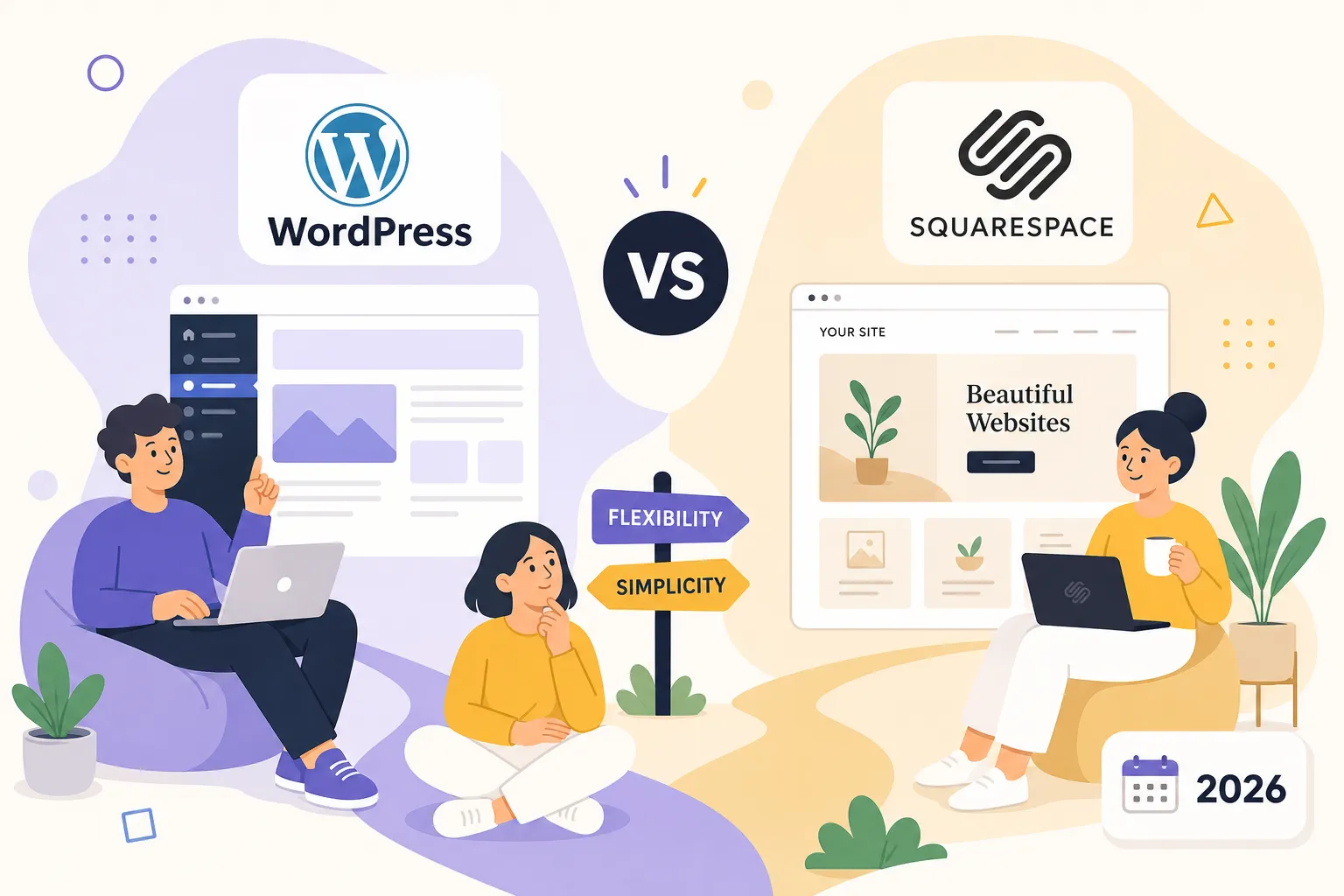
Picking your blogging platform feels like a permanent commitment, and that pressure makes most beginners freeze. The real fear isn't choosing the wrong color scheme, it's spending three months building a site and then realizing the platform can't do what your blog eventually needs. That fear is valid, and it deserves a straight answer. This WordPress vs Squarespace comparison cuts through the noise across five pillars, ease of use, pricing, design, SEO, and monetization, so you walk away with a clear decision, not just a longer list of trade-offs.
The Growth Engine runs on WordPress.org, and that choice was deliberate. If you're still in the research phase, the beginner's guide to starting a blog walks through the full setup process. But before you get there, you need to know whether WordPress.org is actually right for your situation, or whether Squarespace serves you better. By the end of this article, you'll have a clear answer.
Ease of Use: Who Actually Gets Started Faster?
The WordPress.com vs. WordPress.org Distinction You Need to Know First
Most beginners don't realize "WordPress" is two separate products. WordPress.com is a hosted platform with a free tier that restricts plugin access on lower plans. WordPress.org is open-source software you install on your own hosting account, giving you full control over everything. This difference changes the entire conversation about ease of use, cost, and long-term capability. For the rest of this WordPress vs Squarespace comparison, "WordPress" refers to WordPress.org unless stated otherwise, because that's the version serious bloggers actually use.
Squarespace's Drag-and-Drop Setup Experience
Squarespace is genuinely the faster starting point. The 14-day free trial requires no credit card, and the Fluid Engine visual editor lets you build a professional-looking page without writing a single line of code. You pick a template, swap your colors and fonts, add your pages, and publish. For someone who wants to go from zero to live in a weekend, Squarespace delivers on that promise. The trade-off is that everything runs inside Squarespace's closed system, so what you see is exactly what you get, for better and worse.
What the WordPress Learning Curve Actually Looks Like
WordPress.org requires more steps upfront: choose a hosting provider, install WordPress (usually a one-click process), pick a theme, and learn the block editor. Most quality hosts like Bluehost, Hostinger, and SiteGround include one-click installation, so the technical barrier is lower than it sounds. Most beginners complete their first WordPress setup in 5 to 8 hours before publishing a first post. Frame that as a one-time investment in a platform that scales with you, not an ongoing tax on your time.
WordPress vs Squarespace Pricing: What You Actually Pay in 2026
WordPress Costs: The Honest Total
WordPress.org software is free. Your real costs are hosting and a domain. Shared hosting runs $3 to $10 per month, and a .com domain costs roughly $15 per year, putting most beginners between $50 and $150 for year one. Compare that to WordPress.com's five-tier structure, which ranges from $0 to $45 per month. The catch: plugin access doesn't unlock until the Business plan at $25 per month. If you're on a lower WordPress.com tier and wondering why you can't install Yoast SEO, that's why.
Squarespace Pricing and Plans: Where the Value Starts
Squarespace has no permanent free plan. The Starter plan at $16 per month includes a free first-year domain, basic analytics, and a clean setup experience. The Core plan at $23 per month adds basic ecommerce functionality. You're paying more than self-hosted WordPress for comparable features, but the price covers hosting, security, and design quality, all bundled together with no plugin management required. For someone who genuinely doesn't want to think about servers, that convenience has real value.
The 12-Month Cost Comparison: A Side-by-Side Reality Check
A beginner WordPress.org setup costs roughly $75 per year (about $5 per month hosting plus a $15 domain). Squarespace Starter runs $192 per year. That $117 gap matters when you're just starting out. WordPress.com Personal at $4 per month ($48 per year) exists, but it blocks plugin installation, making it a poor fit for bloggers who plan to grow. The honest comparison for anyone serious about their blog is WordPress.org at around $75 per year versus Squarespace at $192 per year and up.
Design Flexibility: Themes, Templates, and Creative Control
WordPress Themes vs. Squarespace Templates: The Numbers and the Reality
WordPress gives you access to over 10,000 themes, ranging from free options in the official directory to premium themes priced around $50 to $80. Design quality varies widely, but switching themes is non-destructive: your content stays intact while the visual layer changes. Squarespace offers approximately 157 curated, professionally designed templates, every one polished straight out of the box. The catch is that switching templates after you've built your site often requires a full rebuild, not just a few clicks.
How Deep Can You Actually Customize Each Platform?
On WordPress.org, you can edit HTML, CSS, JavaScript, and PHP files with full server access. Any plugin that exists can be installed to extend or redesign your site. On Squarespace, customization stays within the visual editor, with some CSS access on higher-tier plans. There's no backend file access, no third-party plugins, and no way to modify the platform's core structure. For someone who wants a clean blog live quickly, those constraints feel like guardrails. For someone building a custom membership site or a product-heavy content business, those same constraints become a hard ceiling.
When Design Flexibility Becomes a Strategic Decision
If your goal is a beautiful personal blog or portfolio that looks professional fast, Squarespace wins on design ease. If your blog will evolve into a business with custom features, unique layouts, or specialized functionality, WordPress.org's extensibility isn't optional, it's the whole point. Think about where you want your site to be in two years. That answer determines which platform's design approach fits your trajectory, not just your current taste.
WordPress vs Squarespace SEO and Site Speed: Which Platform Ranks Better?
The Mobile Speed Gap That Affects Your Search Rankings
Squarespace's Fluid Engine creates excessive DOM nesting of 35-plus levels, which pushes median mobile load times to a Largest Contentful Paint of 3.6 seconds. Only 34 to 41 percent of Squarespace sites pass Core Web Vitals benchmarks. An optimized WordPress.org setup on quality hosting regularly achieves a Time to First Byte under 110ms and mobile load times between 1.2 and 1.8 seconds. Slower sites rank lower in search results, and Squarespace gives you zero control over server-level optimization. On WordPress.org, you can configure caching, CDN delivery, and server settings to push performance as far as your hosting allows.
SEO Tools: The Plugin Ecosystem Advantage
WordPress's SEO advantage goes beyond speed. Plugins like Yoast SEO and Rank Math give you granular control over meta titles, descriptions, canonical tags, structured data, XML sitemaps, and redirects, all without touching code. Squarespace includes a built-in SEO checklist, clean URLs, and auto-generated sitemaps, but no third-party SEO plugin support at all. If you're publishing your first 20 posts, Squarespace's built-in tools will get the job done. Once you're targeting competitive keywords, WordPress.org's plugin ecosystem becomes a decisive advantage, not a marginal one.
What Structured Data Means for Your Blog's Visibility
Rich results in Google search, like FAQ dropdowns, star ratings, and article authorship, require complete schema markup. WordPress lets you implement nested, fully customized schema through plugins, covering FAQPage, Article, LocalBusiness, and dozens of other types. Squarespace auto-applies basic schema but frequently outputs incomplete fields that fail Google's Rich Results Test. The more control you have over how Google reads your site, the better your chances of standing out in search results. Squarespace simply doesn't give you that control.
Monetization Potential: Which Platform Can Actually Make You Money?
How Bloggers Earn on WordPress.org
WordPress.org imposes no restrictions on what you add to your site, which is why most professional content businesses build there. Display ads from Google AdSense, Mediavine, or Raptive are a simple plugin install or code snippet away. Affiliate links work without any platform interference. Digital products sell through WooCommerce or Easy Digital Downloads with no platform transaction fees beyond standard payment processor rates (typically 2.9 percent plus $0.30 per sale). Email list building integrates with every major provider on the market. This is why The Growth Engine runs on WordPress.org, and it's what our full monetization guide is built around.
Squarespace's Monetization Ceiling
Squarespace has meaningfully improved its monetization tools. The Commerce plans at $29 to $49 per month eliminate transaction fees and support Stripe, PayPal, Square, and Apple Pay. For a small store selling physical or digital products, Squarespace is a capable, clean option. The limitation is the platform's constrained extension ecosystem: you're limited to what Squarespace supports natively. Running display ads, building a membership community, or deploying advanced affiliate tracking tools all hit walls you simply won't find on WordPress.org.
The Monetization Verdict for Beginner Bloggers
If your goal is to grow a content-driven blog and monetize it through ads, affiliates, or digital products, WordPress.org scales with you in ways Squarespace cannot. Building a portfolio or selling a small product line with no expansion plans? Squarespace's built-in commerce tools are clean and functional. The platform you start on shapes the revenue ceiling you'll eventually hit, so factor your two-year monetization goal into this decision now, not after you've built 50 posts on the wrong platform.
How to Make Your Final Decision: A Practical Checklist
Three Reader Profiles and the Clearest Platform Match
Profile one: You want a simple, beautiful blog with no technical setup and no immediate monetization plans. Squarespace is the right call. Start the 14-day free trial, pick a template, and publish.
Profile two: You're building a content business, want to rank in search, run display ads, and eventually sell products or courses. WordPress.org is the clear choice. Choose a host, install WordPress in one click, and start with the beginner's guide to starting a blog on The Growth Engine.
Profile three: You're already on Squarespace and you've outgrown it. Migration is manageable, here's the sequence for moving from Squarespace to WordPress:
- Export your content as an XML file from Squarespace's Settings panel
- Install WordPress on your new host and import the XML file
- Manually download and re-upload images (they don't transfer automatically)
- Adjust your permalink structure to match your old URLs
- Set up 301 redirects using a plugin like Redirection
- Point your domain DNS to your new WordPress host
- Submit your new sitemap to Google Search Console
A simple blog-only migration typically takes under two hours. A complex site with custom pages and many images may take a full week. Either way, it's a solvable problem, not a reason to stay on a platform that limits you.
What to Do Next
Stop researching and make a decision based on your specific situation. For WordPress.org, pick a reputable host, run the one-click install, and follow the beginner's guide. For Squarespace, activate the 14-day free trial and start building. The only choice that genuinely costs you is delaying while you wait for a perfect answer that doesn't exist. Either platform puts you in the game. Both are better than a blog you haven't started yet.
The Bottom Line
Across ease of use, pricing, design, SEO, and monetization, this WordPress vs Squarespace comparison points to a clear split: Squarespace wins on speed to launch and visual consistency, while WordPress.org wins on cost, search performance, customization depth, and long-term monetization potential. For serious bloggers with growth and revenue goals, WordPress.org is the stronger foundation.
The Growth Engine publishes ongoing guides on blogging strategy, SEO, and monetization to help you build from wherever you're starting. Pick your platform today and start publishing, that's the only move that actually moves you forward.


Comments
Post a Comment