Best Blogging Platforms in 2026, Honestly Reviewed
Picture this: a new blogger spends three months writing content, customizing a theme, and figuring out settings on a free platform. Then she realizes she can't connect a custom domain without paying for an upgrade, her posts carry the platform's ads, and the SEO controls she needs don't exist at her plan level. So she migrates. Three months of momentum, URL equity, and setup work have to start over because she picked the wrong foundation. This blogging platform review exists so that doesn't happen to you.
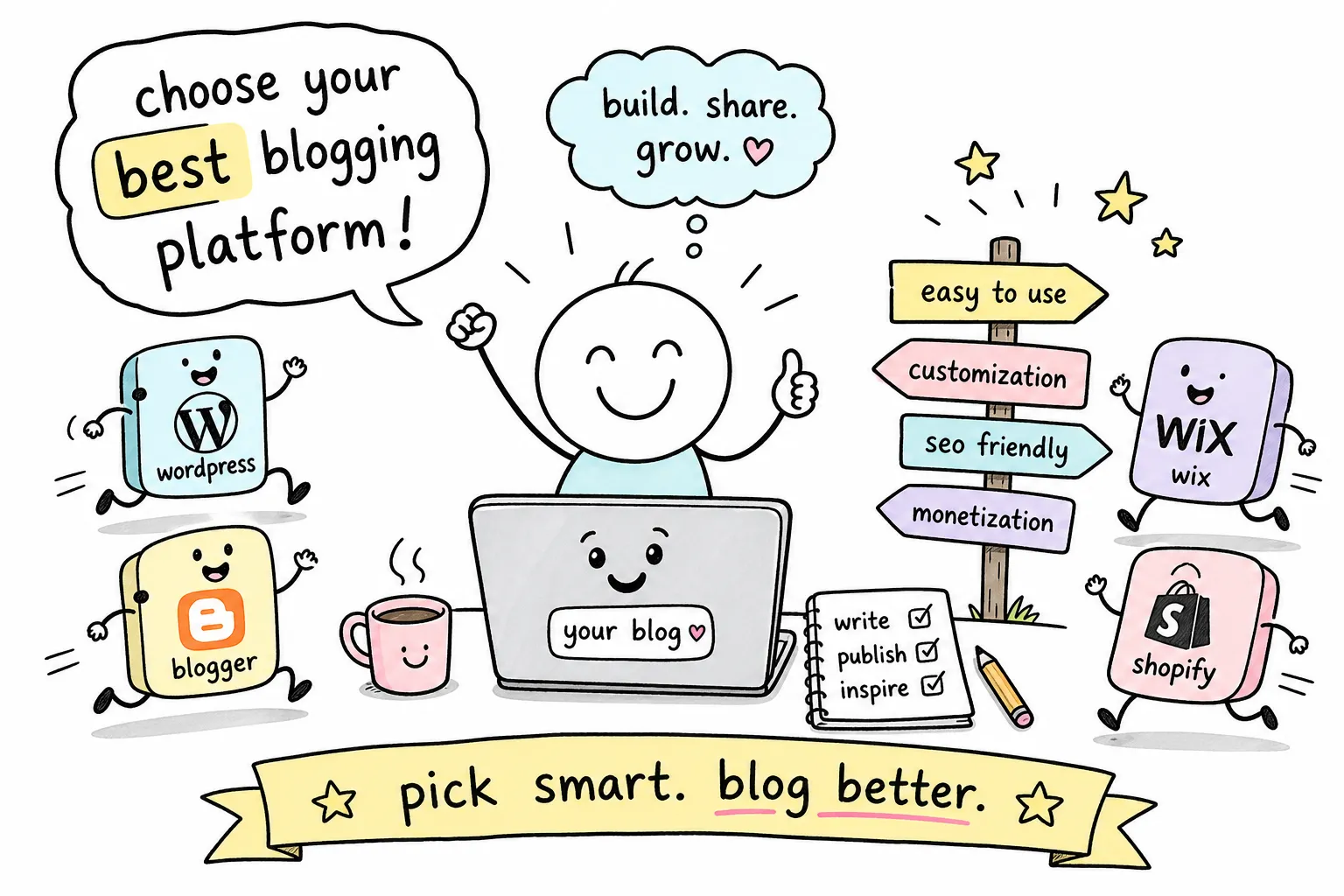
That scenario is more common than blogging tutorials admit. We hear versions of it regularly at The Growth Engine. The platform question sounds simple on the surface: just pick one and start writing. But the platform you choose shapes your SEO ceiling, your income potential, and how much time you spend managing your site versus actually creating content. This review of blogging platforms covers the five major options bloggers are choosing in 2026: WordPress.org, WordPress.com, Ghost, Wix, Squarespace, and Blogger. Each is evaluated on the four things that actually matter: pricing, SEO, ease of use, and earning potential.
"Which platform should I use?" is one of the first questions aspiring bloggers ask at The Growth Engine, usually before they've published a single word. That's exactly why this breakdown exists. By the time you finish reading, you'll know which platform fits your specific goal and what to do the moment you've made your decision.
Blogging Platform Review: What to Look For Before You Pick
Most platform comparison articles lead with feature lists. That's the wrong starting point. What you need first is an evaluative framework so you can weigh the platforms against your actual situation, not just a generic "best of" ranking that assumes every blogger has the same goals.
The Four Criteria That Matter Most
Pricing and total cost of ownership matter more than the headline plan price. A platform that charges $8/month but doesn't let you monetize is more expensive in the long run than one that costs $25/month and supports multiple income streams. Always think in annual totals and include domain, hosting, themes, and essential plugins.
SEO capabilities are the engine behind organic traffic growth. Some platforms give you native meta controls, structured data, and plugin access. Others restrict what you can touch. If you plan to build traffic from search, this single criterion can determine whether your blog reaches page one or stalls permanently.
Ease of use and realistic time to launch matter because a platform you can't actually figure out is a platform you'll abandon. Finally, earning potential determines how high your ceiling goes. Platforms vary widely on whether they support display ads, affiliate content, memberships, digital products, and sponsored posts.
Hosted vs. Self-Hosted: The Foundational Split
Every blogging platform falls into one of two camps. Hosted blog hosting platforms, including WordPress.com, Wix, Squarespace, Ghost Pro, and Blogger, manage the server, security, and software updates for you. You log in and write. Self-hosted platforms, primarily WordPress.org and self-hosted Ghost, give you full control over your site's environment, but you're responsible for managing that environment. The right choice depends on your technical comfort, budget, and goals, not on which option wins a generic comparison.
Why the Cheapest Option Often Costs the Most Long-Term
Free plans on Blogger and WordPress.com come with real trade-offs: platform branding on your URL, limited or no SEO controls, and monetization options that are either restricted or nonexistent. A $15/month platform that supports your income goal beats a free platform that quietly caps your growth. Think of the free plan as a trial, not a strategy.
WordPress.org (Self-Hosted): Maximum Power, Maximum Responsibility
Self-hosted WordPress powers a large share of the public web. For bloggers who plan to monetize seriously and want the most flexibility, it's the default answer. But it demands something in return.
What Makes Self-Hosted WordPress the Gold Standard
The WordPress plugin directory lists 57,000+ plugins and 7,800+ themes. That number represents solutions to almost any problem you'll ever face as a blogger. You get full control over your code, your database, your hosting environment, your SEO setup via plugins like Yoast or Rank Math, and every monetization method that exists. No other platform in this blog CMS comparison comes close to that flexibility.
The Real Cost of Running WordPress.org
The software itself is free to download. Running it is not. A lean setup using shared hosting runs roughly $150/year. That breaks down to a domain ($12 to $15/year), shared hosting ($3 to $10/month), a free theme, and a free SEO plugin. A more capable setup with managed hosting, a premium theme, a premium SEO plugin, backup tools, and security software can easily exceed $2,000/year. You also take on ongoing maintenance: software updates, plugin compatibility checks, and security patches.
Who Self-Hosted WordPress Is Actually Right For
If you plan to run ads, build an affiliate income, sell digital products, launch a course, or stack multiple revenue streams on one blog, self-hosted WordPress is the right foundation. The learning curve is real but finite. Most bloggers who invest two or three weekends in setup never regret it. It's the wrong choice, though, if you genuinely want to write without thinking about server management.
WordPress.com: The Hosted Middle Ground
WordPress.com and WordPress.org share a name and the same editing interface. Everything else is different. WordPress.com is a hosted service that manages your server so you don't have to, with a tier structure that scales from completely free to full commerce functionality.
Breaking Down the WordPress.com Plan Tiers
The free plan gives you 1 GB of storage, a WordPress.com subdomain, platform ads on your site, and no access to custom plugins or themes. The Personal plan at roughly $4/month (billed annually) adds a custom domain and removes the platform's ads. Premium, around $8/month, adds creator monetization tools and more theme access. The Business plan at about $25/month unlocks full plugin access, advanced SEO tools, staging, and SFTP. Commerce at roughly $45/month adds a full store and payment processing. Month-to-month prices run meaningfully higher across every tier.
Where WordPress.com Shines and Where It Pinches
WordPress.com is excellent for bloggers who want the familiarity of the WordPress editor without managing a hosting account. SEO is solid on Business and Commerce plans where you can install Yoast or Rank Math; on lower tiers, your control is limited. Monetization is genuinely restricted below the Business tier. No custom ad networks, limited affiliate flexibility, and no plugin-based income tools. If you're serious about earning, the free and Personal plans will frustrate you.
When the Hosted Version Is the Smarter Starting Point
New bloggers who want to test a niche before committing to self-hosted costs get real value from WordPress.com's lower tiers. The content you create is portable: migration to self-hosted WordPress is well-documented, and your posts, pages, and media move over cleanly. Think of WordPress.com as a paid test drive, not a permanent home, if monetization is eventually on your roadmap.
Ghost: Built for Writers Who Want to Earn From Day One
Ghost is a different kind of platform. It isn't trying to be WordPress with a cleaner editor. Built from the ground up around publishing, newsletters, and paid memberships, it's a platform where that focus shapes everything about the experience.
The Newsletter and Membership Model Baked Into the Platform
Ghost gives you native subscriber management, built-in email newsletter delivery, and paid membership tiers without a single plugin. The editor is clean and fast, designed to get out of your way and let you write. If your content model centers on building a subscriber base and charging readers directly for premium content, Ghost handles that workflow better than any platform on this list for that specific use case.
Ghost Pro vs. Self-Hosted Ghost
Ghost Pro is the managed hosted option. Plans start at $18/month (billed annually) for the Starter tier, with higher tiers at $29/month and $199/month for a Business-grade setup. Self-hosted Ghost reduces recurring costs if you already have a server, but it requires technical setup that not every blogger wants to manage. Ghost Pro handles hosting, updates, and email delivery at a premium over basic WordPress hosting, but for newsletter-first creators, that premium often pays for itself.
Where Ghost Falls Short for General Bloggers
Ghost's plugin and extension ecosystem is much smaller than WordPress's. If your income model relies on display ads, affiliate product reviews, or complex SEO content strategies, WordPress is a better fit. Ghost has fewer theme options and less customization depth, and it doesn't have the same massive community of developers solving edge-case problems. It's the right choice for a specific type of creator, and a poor fit for everyone else.
Wix and Squarespace: When Design and Simplicity Win
Wix and Squarespace occupy the same general space: design-first, fully hosted, beginner-friendly platforms that prioritize visual polish and ease of management over raw technical flexibility. They deserve to be reviewed together because the decision between them usually comes down to personal preference rather than fundamental capability differences.
Wix: Fastest Setup, Most Drag-and-Drop Flexibility
Wix uses a template-based builder with a low learning curve. A complete beginner can have a functioning site up in under 15 minutes. The app marketplace adds functionality in areas like email marketing, live chat, and basic membership tools. SEO tools are built in, but they don't match the control you get from self-hosted WordPress running a dedicated SEO plugin. For moderately competitive niches, the built-in tools are adequate.
Squarespace: The Design-Forward Choice for Visually Driven Blogs
Squarespace's templates are well-crafted, particularly for portfolio-style blogs, lifestyle content, and creators where the visual presentation of the site is part of the brand. There's no permanent free plan; every Squarespace site runs on a paid plan that includes hosting, templates, and integrated commerce tools. The trade-off is a more constrained extension model compared with Wix or WordPress, but the out-of-the-box experience is polished.
Earning Potential and SEO on Both Platforms
Both platforms support basic monetization. Squarespace has built-in commerce and member areas; Wix supports app-based ad and affiliate tools. Neither is the first choice for a blogger whose primary goal is ranking for competitive keywords and scaling organic search traffic. Wix and Squarespace perform best when brand aesthetics and low management overhead matter more than deep SEO customization. If you're building a lifestyle brand, photography blog, or service-based site with a content component, both are solid options.
Blogger: Google's Free Platform and Its Real Ceiling
Blogger still exists, still works, and still attracts new bloggers every year because the price is zero. That deserves an honest assessment rather than a dismissal.
What Blogger Still Gets Right
Blogger is completely free, hosted by Google, and requires only a Google account to start. There are no monthly costs, no hosting accounts to manage, and the uptime is backed by Google's infrastructure. For a hobbyist who wants a low-stakes space to write without spending anything, Blogger delivers on that promise reliably.
Where Blogger Hits Its Ceiling Fast
Template and customization options are minimal compared with every other platform on this list. There is no meaningful plugin or extension ecosystem, so you're working entirely within what Blogger provides natively. SEO control is weak: no dedicated meta tag tools, minimal structured data support, and no plugin-based optimization. Monetization is almost entirely limited to Google AdSense; affiliate content works, but the platform doesn't help you scale it.
The migration out of Blogger also carries a hidden future cost. Moving to WordPress later requires redirect work, theme rebuilding, and media cleanup, because Blogger's URL structure (typically date-based URLs ending in .html) doesn't match WordPress's permalink patterns by default. Every old URL needs a one-to-one 301 redirect to preserve SEO equity, and setting those up correctly is genuinely technical work. Starting on Blogger is free today, but moving off it has a price.
Platform Comparison at a Glance: A Blogging Platform Review Summary
Before you make a decision, here's how the platforms stack up across the four criteria that actually matter to bloggers in this blog CMS comparison.
Pricing and Total Cost of Ownership
Ranked from lowest to highest realistic annual cost: Blogger sits at free. WordPress.com Free is technically $0 but limited enough that most bloggers eventually pay. Wix and Squarespace entry paid plans run roughly $100 to $200/year. WordPress.com Business runs about $300/year. Ghost Pro Starter is around $216/year. Self-hosted WordPress is variable: $150/year on the lean end, $2,000+ on a fully managed setup with premium tools. "Free" on Blogger and WordPress.com Free means paying in limitations rather than dollars.
SEO Capabilities by Platform
- Self-hosted WordPress with Yoast or Rank Math: the strongest SEO setup available for platform features for bloggers focused on organic growth
- WordPress.com Business and Ghost Pro: solid SEO control on paid tiers
- Wix and Squarespace: adequate built-in tools for moderately competitive niches
- Blogger: the weakest SEO control of the group, with no plugin-based optimization available
Earning Potential by Platform
Self-hosted WordPress has the highest ceiling: ads, affiliates, digital products, courses, memberships, and sponsorships are all available without restriction. Ghost Pro is strong for newsletter and membership income but weaker for ad-based and affiliate models. WordPress.com Business and Commerce tiers offer solid earning potential once you're on the right plan. Wix and Squarespace are moderate earners, better suited to product-based or service-based blogs than to pure content monetization. Blogger has the lowest earning ceiling of the group for anyone with serious income goals.
How to Pick the Right Platform for Your Goal
The blogging platform review is done. Now comes the actual decision. Match yourself to the profile below that fits your situation and you'll have a clear answer.
The Hobby Blogger With No Monetization Plans
Blogger or WordPress.com Free works if you're writing entirely for yourself with no traffic or income ambitions. If you care about how the site looks and don't mind a low monthly cost, Wix or Squarespace entry plans give you a polished result without a technical learning curve. Neither choice locks you into anything permanent.
The Blogger Who Wants to Earn Income Within 12 Months
Self-hosted WordPress is the strongest choice here: full SEO control, unlimited monetization options, and the largest community on the internet for troubleshooting problems. Budget for hosting, a reliable theme, and an SEO plugin from day one rather than trying to add them after you've built momentum. If self-hosting feels overwhelming at the start, WordPress.com Business is a valid stepping stone with a documented migration path to self-hosted when you're ready to move.
The Newsletter or Membership-First Creator
Ghost is the clearest match for this profile. Native subscriber tools, built-in email delivery, and paid membership tiers are all part of the platform without plugin stacking. If you also want significant affiliate or ad income alongside the newsletter, self-hosted WordPress with a membership plugin gives you that combination, though it requires more setup and management than Ghost's focused approach.
The Next Step Once You've Picked Your Platform
Choosing a platform is step one. The harder and more rewarding work starts the moment the platform is set up: structuring your site for SEO, building a content strategy that attracts and converts readers, growing an audience from zero, and turning that audience into consistent income. That's where most bloggers stall, not because they lack talent, but because they lack a system.
At The Growth Engine, that full roadmap, from platform setup through content strategy to monetization, is exactly what the blog covers. Every guide is built specifically for aspiring bloggers who want practical, step-by-step direction rather than generic advice that sounds good but doesn't tell you what to do on Monday morning. Bookmark the blogging guides at The Growth Engine and start with the platform you've chosen today. The gap between choosing a platform and building something that earns is filled by what you do next.
The Bottom Line on Choosing Your Blogging Platform
The best blogging platform is the one that matches your goal, not the one with the most features or the lowest price. Chasing either of those criteria alone leads bloggers to platforms that either overwhelm them or quietly cap what they can build.
Here's the short version of this blogging platform review: WordPress.org for full control and serious monetization, WordPress.com for a hosted middle ground with a clear upgrade path, Ghost for publishers and newsletter creators who want native membership tools, Wix and Squarespace for design-first bloggers who prioritize polish over extensibility, and Blogger for zero-budget hobbyists who genuinely have no income or traffic ambitions. Every platform on this list has a legitimate use case. None of them is right for everyone.
Pick the platform that fits where you are now and gives you room to grow into where you want to be. The platform decision takes a day; the blogging journey takes years. Get the foundation right, and everything you build on top of it becomes that much more durable.


Comments
Post a Comment