Best Budgeting Apps in 2026: Top Picks for Every Money Goal
Best Budgeting Apps in 2026: Top Picks for Every Money Goal
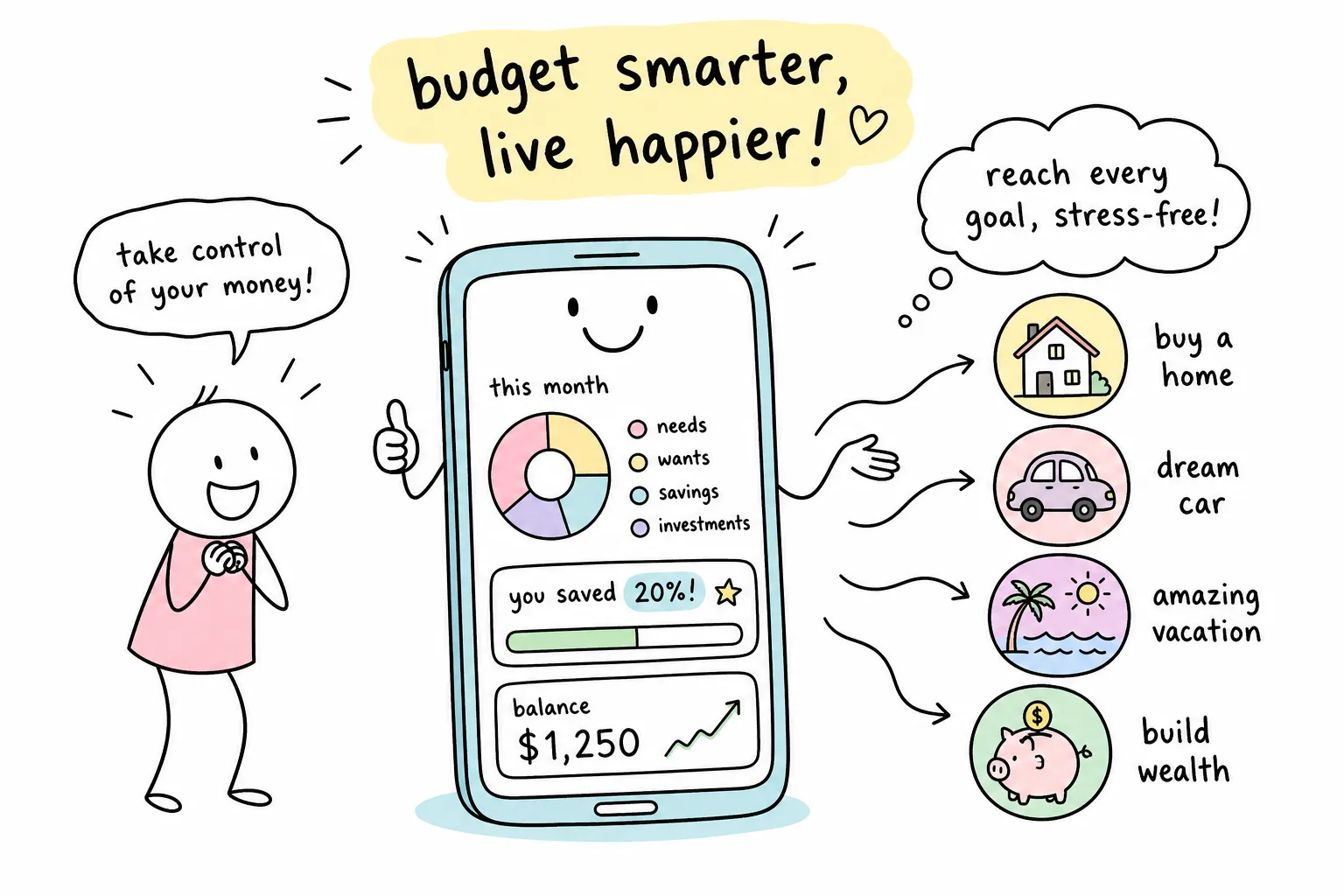
Most people don't fail at budgeting because they lack willpower. A common reason people report struggling with it is choosing a tool that doesn't match their actual money goal. Someone trying to crush $30,000 in credit card debt often needs a very different app than a couple trying to stop arguing about who spent what on groceries. And someone who just wants to stop bleeding money on forgotten subscriptions needs something different from both of them.
If you're trying to find the best budgeting apps in 2026, the challenge isn't a shortage of options, it's that these apps are more different from each other than most people realize. One is built for zero-based discipline. Another is designed specifically for couples. A third is basically a subscription cancellation service with budgeting features tacked on. Choosing the wrong one significantly increases the odds you'll abandon it within the first month: according to a 2024 NerdWallet survey, logging friction, bank sync errors, and information overload are the top reasons users quit budgeting apps early.
This guide breaks down the top picks by category so you can match the app to your goal rather than the other way around. Knowing which app to use is the first step, but understanding the financial principles behind budgeting is what makes any app actually stick. That's the part most app review articles skip entirely. We'll come back to that.
What to look for before you download a budgeting app
Why picking the right one matters more than you think
Among the best budgeting apps available today, each one is optimized for a specific method, user type, or financial situation. Treating them as interchangeable is the fastest way to end up back at square one. The sections below explain exactly what to evaluate before you commit to any of them.
Does it support your budgeting method?
The three main methods that budgeting apps are built around are zero-based budgeting (every dollar gets assigned a job before the month begins), envelope budgeting (spending caps per category), and simple expense tracking (record what happened and review it). The best apps are built around one method, not all three, so knowing your preferred method upfront saves a lot of frustration. Many beginners benefit from starting with a tracking-first app before moving to the more structured demands of zero-based budgeting.
Bank sync reliability and what to watch for
All major budgeting apps connect to your bank through third-party sync infrastructure, specifically providers like Plaid, Finicity, and MX, which act as a bridge between your financial institution and the app. Reliable sync in practice means daily transaction imports, minimal reconnection prompts, and solid support for major institutions like Chase, Bank of America, Wells Fargo, and Capital One. No app has a perfect sync record, but apps that use multiple aggregators as fallback options tend to be more stable than those relying on a single provider. We'll note each app's sync approach in the sections below.
Free vs. paid: where the real features live
Some apps offer genuinely useful free tiers: Rocket Money, PocketGuard, and Goodbudget all have no-cost versions that deliver real value. Others, like YNAB and Monarch Money, require a paid subscription from day one with only a trial period to test the waters. Knowing this upfront matters because "free" apps often monetize through data aggregation or premium upsells, while paid subscription-based apps tend to have cleaner privacy policies. We'll get into those trade-offs in detail below.
Best budgeting apps for beginners who want to keep it simple
Rocket Money: the easiest entry point
Rocket Money's core value is a free tier that tracks spending automatically, identifies subscriptions, and flags recurring charges without you lifting a finger. The subscription detection feature is genuinely useful: it surfaces charges you forgot about and offers a paid premium service to negotiate or cancel them on your behalf. The free plan covers the basics well, the UI is clean, and the onboarding process is straightforward enough for most new users to complete in a single sitting. The main friction points are the upsell prompts toward premium features and the fact that some of the most useful capabilities, like premium subscription negotiation, sit behind a paywall.
For someone who has never budgeted before and wants to understand where their money is going without entering a single transaction manually, Rocket Money is the clearest starting point on this list. It's one of the better money management apps for users who want immediate insight with minimal setup.
PocketGuard: the "how much can I spend right now" app
PocketGuard's standout feature is its "In My Pocket" calculation, which shows you exactly how much money is available to spend after bills, savings contributions, and spending goals are accounted for. That single number does a lot of work for people who tend to overspend: it replaces category-by-category analysis with one guardrail that's easy to check before a purchase. The free plan covers basic tracking, while PocketGuard Plus (priced at $12.99 per month or $74.99 per year) unlocks custom spending rules and more detailed reports. One real limitation: Android ratings for PocketGuard sit in the 3.8 to 4.5 range, notably lower than iOS, and some users report inconsistency on Google Play builds.
EveryDollar: zero-based budgeting made beginner-friendly
EveryDollar, built by Ramsey Solutions, positions itself as the on-ramp to zero-based budgeting for people who find YNAB's learning curve too steep. The free version requires manual transaction entry, while the premium tier adds automatic bank syncing and more customization. Its App Store rating sits at 4.7, though Google Play scores are noticeably weaker. Because it's built by Ramsey Solutions, it pairs naturally with a debt-first philosophy and a Dave Ramsey-style Baby Steps approach, which makes it a strong fit for users who want their app and their financial framework to match.
Best budgeting apps for couples managing money together
Monarch Money: the strongest shared financial dashboard
Monarch Money holds a 4.9 rating on the App Store and 4.7 on Google Play, making it among the highest-rated personal finance apps across both platforms. For couples, its strength is the shared household view: both partners see the same net worth dashboard, budget, savings goals, and cash flow picture in one place. It connects to over 13,000 U.S. financial institutions through Plaid, Finicity, and MX, which gives it some of the most reliable bank syncing available. The trade-off is the price: at $99.99 per year (or $14.99 per month), it requires a real financial commitment, and there's no permanent free plan, only a 7-day trial.
For couples who have previously managed money in separate spreadsheets, or argued about which account paid which bill, Monarch's collaborative setup removes most of that friction. The shared savings goals feature works well for households targeting a specific milestone together, for example, tracking progress toward a down payment or emergency fund from a single shared view rather than reconciling two separate accounts.
Honeydue: the free couples-first option
Honeydue is purpose-built for couples who want to coordinate finances without paying anything. It gives both partners visibility into shared and individual accounts, tracks bills on a shared calendar, and supports partial account privacy for partners who want to keep some finances separate. Its App Store rating is 4.5. The core limitation is depth: Honeydue is a coordination tool, not a full budgeting system. Couples with multiple investment accounts, complex income situations, or serious savings goals will hit the ceiling quickly. As a free starting point for couples who are just beginning to combine finances, though, it does the job well.
Best budgeting apps for paying off debt fast
YNAB: the gold standard for debt-focused budgeting
YNAB (You Need A Budget) is the most effective app for people in active debt payoff mode. Its zero-based framework forces every dollar to have a job before it gets spent, which naturally accelerates debt repayment by eliminating the unconscious spending that keeps most people stuck. The app includes a Loan Planner that projects payoff timelines and models the impact of extra payments, along with Debt Payment targets that calculate exactly how much you need to set aside each month to hit a specific payoff date. YNAB's credit card handling is also notably sophisticated: when you swipe a card, it automatically moves funds from your spending category to your card payment category, so credit card debt doesn't quietly accumulate.
Pricing is $14.99 per month or $109 per year, with a 34-day free trial and no permanent free plan. The App Store rating is 4.8. The two consistent criticisms are the steep learning curve and the subscription cost, which is a real barrier for someone already on a tight budget. YNAB's own user data reports that new users typically save more in their first month than the annual subscription costs, the 34-day trial is long enough to test that claim for yourself.
Monarch Money and PocketGuard as supporting players
Monarch Money's goal tracking and cash flow features make it a viable debt payoff tool, especially for couples who want a less rigid system than YNAB. PocketGuard Plus adds custom spending rules that can be configured to direct money toward debt payments over discretionary categories. Neither app includes a dedicated debt snowball or debt avalanche calculator with side-by-side strategy comparison, which is worth knowing upfront if you want that specific feature. YNAB is still the clearest choice for serious debt payoff work; the others are better suited to users who want general oversight rather than a structured payoff methodology.
The best apps for envelope and zero-based budgeting purists
Goodbudget: digital envelopes for analog thinkers
Goodbudget is among the best budgeting apps for people who want the discipline of the classic envelope budgeting method in a digital format. The workflow is straightforward: you allocate income into virtual envelopes for each spending category at the start of the month, then track spending against those envelopes as the month progresses. The free plan covers a limited number of envelopes and devices, while the paid Plus tier removes those restrictions. One significant limitation to understand before downloading: Goodbudget does not offer automatic bank syncing. Transactions are entered manually, which is intentional for users who prefer a more hands-on approach, but it's a dealbreaker for anyone who wants automation.
The Android experience also lags behind iOS significantly: Google Play ratings for Goodbudget fall in the 3.3 to 3.9 range, versus a 4.6 App Store rating. If you're primarily on Android, that's worth factoring in before you commit.
YNAB's zero-based model explained in plain terms
Zero-based budgeting means you start each month with a plan for every dollar of income before you spend a single cent. YNAB executes this better than any other app on the market because the entire product is built around the practice rather than bolted onto a general-purpose tracker. The "give every dollar a job" framework means your income goes to categories first: rent, groceries, debt payments, savings, and discretionary spending all get funded in priority order. When something unexpected happens, you "roll with the punch" by moving money between categories rather than abandoning the budget entirely. For people who have tried budgeting before and quit, YNAB's methodology often succeeds where simpler apps fail because it treats budgeting as an ongoing practice rather than a static monthly snapshot.
Security, bank syncing, and what these apps actually do with your data
How your financial data flows through these apps
Most budgeting apps don't connect directly to your bank. They use intermediary services like Plaid, Finicity, or MX, which authenticate your credentials and relay transaction data to the budgeting app. This means your actual bank login credentials are handled by the third-party aggregator, not the app you see on your screen. When evaluating any app on this list, check for read-only access (the app should never have permission to move money), bank-level encryption in transit and at rest, and multi-factor authentication availability on your account.
Data-sharing policies: what to read before you sign up
Free apps that monetize through subscription cancellation features, like Rocket Money, may use aggregated and anonymized spending data in ways that paid apps typically don't. Paid apps like YNAB and Monarch Money have cleaner privacy postures because their revenue model is subscription-based rather than data-based. The practical implication: a $99/year app has less financial incentive to monetize your spending behavior than one built around a free-to-use model. Before syncing any bank account to any app, pull up the privacy policy and verify two things: that the app requests read-only permissions and that it specifies how long it retains your data if you cancel.
Free vs. paid plans: what you actually get for your money
Apps with genuinely useful free tiers
Three apps on this list offer free plans that deliver real functionality rather than a crippled teaser: Rocket Money, PocketGuard, and Goodbudget. Rocket Money's free tier covers spending tracking and subscription detection, but premium subscription negotiation requires an upgrade. PocketGuard's free version gives you the core "In My Pocket" snapshot but limits custom spending rules. Goodbudget's free plan caps the number of envelopes and connected devices, which works fine for simple household budgets but becomes restrictive quickly for couples or users with complex finances. All three are worth testing before paying for anything.
When a paid app is worth the subscription cost
YNAB at $109 per year works out to about $9 per month. According to YNAB's own user data, most new users save more than that in their first month by cutting unconscious spending and eliminating impulse purchases, the same finding cited in the YNAB section above. Monarch Money at a similar price point ($99.99 per year) is the better choice for couples or users who want a more comprehensive financial dashboard without YNAB's learning curve. The math is simple: if either app changes one spending habit that saves you $15 per month, the subscription pays for itself. The question is whether you'll actually use it consistently, which brings us back to the point most app reviews never address.
Tools get you started. Education keeps you going.
Why the right app is only half the equation
A budgeting app is a tracking tool. It records what happened, surfaces patterns, and enforces rules you set up. What it doesn't do is teach you why the 50/30/20 rule might not work for your income level, how to choose between the debt snowball and the debt avalanche method, or what to do with your money once the debt is actually gone. That missing layer is financial education, and it's the gap that separates someone who budgets for three weeks from someone who builds lasting money habits. Apps that make you feel organized are not the same as apps that change how you think about money.
How The Growth Engine fills that gap
The Growth Engine covers the education side that no budget planner app can replicate on its own. The blog addresses personal finance fundamentals, debt payoff strategies, budgeting methods explained in plain English, and the mindset work that makes financial habits hold up over time. The app tracks your numbers. The Growth Engine helps you understand what those numbers mean, which method fits your situation, and how to build a system around them that doesn't collapse the moment something unexpected happens. If you've picked your app but still feel unclear on the underlying strategy, that's exactly the kind of gap the site is designed to close.
The right app for your specific goal
Every app on this list excels in a specific context, and the right pick depends on your goal, not on which app has the most downloads or the most press coverage. Here's the short version:
- Beginners who want simplicity: Start with Rocket Money (free) or PocketGuard (free). Both require minimal setup and deliver immediate value.
- Couples managing shared finances: Monarch Money for depth and a complete shared dashboard, or Honeydue if you want something free and lightweight.
- Active debt payoff: Start YNAB's 34-day free trial. The learning curve is real, but the methodology works in a way that simpler apps don't match.
- Envelope budgeting purists: Goodbudget is the cleanest digital implementation of the envelope method available, but be prepared for manual entry.
No app works in isolation. Choosing from the best budgeting apps is a strong first move, but understanding your finances well enough to actually change them takes both the right tool and a solid knowledge base to back it up. Pick one app from this list, sign up for the free trial or free tier, and pair it with the personal finance content at The Growth Engine. A structured tracking system combined with a clear understanding of the principles behind it is what makes budgeting stick for the long haul.


Comments
Post a Comment