Why Your Blog Has Traffic Problems (And How to Fix Them)
Why Your Blog Has Traffic Problems (And How to Fix Them)
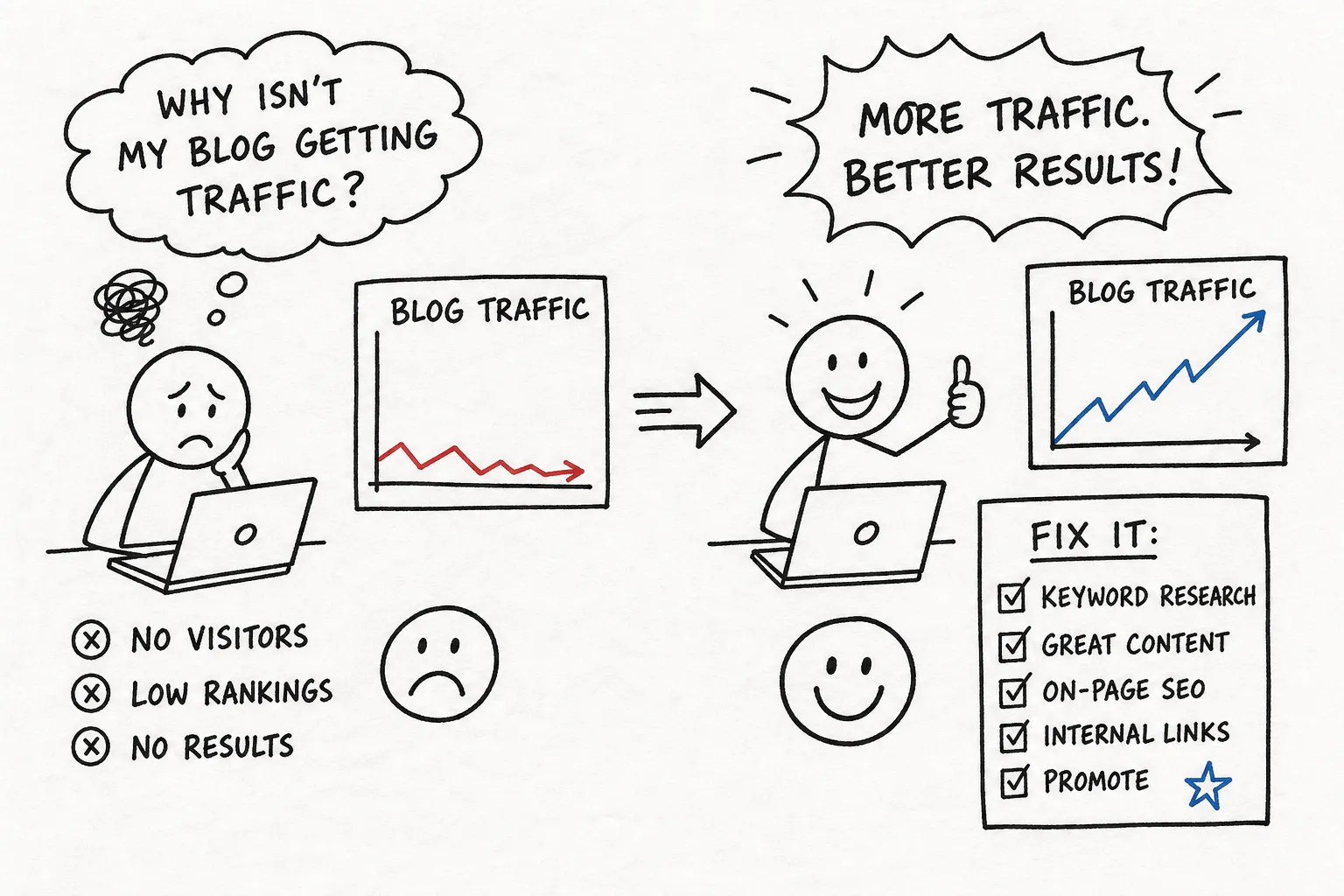
You publish consistently. You follow the advice. You optimize the post, hit publish, and then watch your analytics dashboard stay completely flat. If that frustration sounds familiar, you're dealing with blog traffic problems, and you're probably not doing everything wrong; you're just fixing the wrong thing first.
Many bloggers who struggle with declining or stagnant traffic treat it like a mystery when it's actually a diagnostic problem. There are four root causes behind the vast majority of traffic issues, and each one requires a different fix. Applying the wrong solution wastes weeks of effort and makes the problem feel unsolvable.
This article walks you through a systematic process to identify exactly which category your site falls into, what data to pull, and what to do about it in the right order. For deeper, step-by-step guides on each fix, the blogging tips section at The Growth Engine breaks them down individually. Start here, then go deeper where your diagnosis points you.
Diagnosing blog traffic problems: sustained low traffic or a sudden drop?
These two patterns look similar on a traffic graph but have almost entirely different causes. Treating a chronic traffic problem like a sudden drop, or vice versa, means you'll investigate the wrong thing and come up empty every time.
Signs your traffic has always been low
Chronic underperformance follows a recognizable pattern: new posts get a small spike right after publishing, then flatline within days. The blog never crosses a meaningful monthly visitor threshold and gains no real momentum over time. This points to strategic problems, specifically keyword selection, content quality, and domain authority, rather than something that broke recently.
The numbers are sobering here. According to widely cited industry analyses, roughly 90% of blog content gets almost no organic traffic because it targets topics with no real search demand or fails to match what searchers actually want to find. If your blog has always been quiet, this is almost certainly where the blog traffic problem starts.
Signs of a sudden, unexpected drop
A blog that was generating traffic and then dropped sharply within a specific window has a different problem entirely. The most common cause is a Google Core Update, and there have been several significant ones recently: the March 2026 Core Update, the May 2026 Core Update, and before that the December 2025 Core Update, each of which reshuffled rankings across millions of pages. Other causes include a technical error that quietly blocked indexing, an accidental noindex tag, or the growing impact of AI Overviews in Google Search stealing clicks even when rankings stay steady.
The drop date is your most important diagnostic data point. Write it down before you do anything else.
How to read your traffic data before you start fixing things
Google Search Console and Google Analytics answer fundamentally different questions. Opening the wrong one first is one of the most common mistakes bloggers make when troubleshooting a traffic decline.
What low impressions tell you (and what to check next)
Google Search Console (GSC) shows you pre-click data: how often your pages appear in search results and how often users click them. If the Performance report shows low or zero impressions for your pages, the problem is visibility. Google either isn't indexing your content or isn't ranking it anywhere meaningful. In most cases, this signals a technical or authority problem rather than a content quality issue, though it's worth checking both indexing status and average position in GSC before ruling out a content angle entirely.
Cross-reference GSC's Performance report with the Index Coverage (Pages) report to confirm whether your pages are being indexed at all. Spikes in "Excluded" pages or noindex tags you didn't intentionally set are the first things to look for.
High impressions, low clicks: the CTR problem
If impressions are solid but clicks are low, your title tags and meta descriptions are the issue. A click-through rate below 1, 2% for your ranking position is a clear signal. Use GSC to filter for high-impression, low-CTR queries and treat that list as your rewrite priority queue. The fix here isn't more content; it's better titles.
Clicks but poor engagement: the content quality signal
If Google Analytics (GA4) shows users arriving but leaving immediately, the content isn't delivering what the searcher expected. This is a search intent mismatch or a thin content problem, not a distribution issue. No amount of promotion will fix a page that fails to answer the question the user typed into Google.
Technical blog traffic problems: indexing and crawl issues
Technical problems don't send you error messages. A single misconfigured directive in a robots.txt file or a canonical tag pointing the wrong way can erase months of content work without a single visible warning.
How to confirm Google is actually seeing your pages
Start with the GSC Index Coverage report and look specifically for spikes in "Excluded" pages and any pages tagged with noindex. Run the robots.txt tester in GSC after any site changes, this is one of the most common sources of accidental self-blocking. Check the Crawl Stats report for server error spikes (5xx errors), which signal hosting problems that prevent Google from accessing your content.
If indexing looks clean, check whether your internal linking structure is leaving valuable pages disconnected. Orphaned pages, those with no internal links pointing to them, are difficult for Google to discover and rank. Industry crawl studies have found that orphaned pages can consume a disproportionate share of a site's crawl budget while generating very little traffic. The fix is straightforward: link to those pages from relevant existing posts.
Page speed, mobile performance, and Core Web Vitals
Pages that don't meet Google's Core Web Vitals thresholds face a ranking disadvantage against pages that do. The three benchmarks to hit are:
- LCP (Largest Contentful Paint): 2.5 seconds or less
- INP (Interaction to Next Paint): 200ms or less
- CLS (Cumulative Layout Shift): 0.1 or less
Google PageSpeed Insights and the Core Web Vitals report in GSC will show you exactly which pages are failing and why. On self-hosted WordPress blogs, the most common culprits are oversized images, unused JavaScript, and render-blocking resources.
Content and SEO gaps that keep your blog from ranking
For most bloggers with sustained low traffic, the problem isn't technical. The content strategy has foundational gaps that no distribution tactic or social campaign will overcome.
Keyword strategy and search intent mismatches
Targeting topics with no search demand, or writing about a topic without matching the format searchers actually want, are the two fastest ways to produce content that gets zero organic traffic. A beautifully written guide ranks for nothing if the query it targets gets 20 monthly searches. Similarly, writing a long narrative post when Google's first page is full of step-by-step listicles tells you the search intent doesn't match your format, and Google will favor the content that does.
Keyword cannibalization is another silent traffic killer. When multiple posts target the same query, they split authority and often result in none of them ranking well. Audit your existing content and consolidate overlapping posts before creating anything new.
Content decay and thin pages dragging your site down
Unrefreshed posts lose traffic predictably. Studies tracking individual posts have documented meaningful ranking drops within six months of going without updates, as fresher pages overtake them and outdated statistics signal neglect to Google. Thin content, pages under 300 words that don't fully answer the query, also pulls down overall site quality signals across your whole domain.
A content refresh isn't just swapping a statistic. It involves updating facts, improving depth, adding new sections that answer related questions, and strengthening E-E-A-T signals like author bios and cited sources. Prioritize posts that already have impressions in GSC but have dropped in ranking position; these have existing authority and typically recover faster than brand-new content.
On-page fundamentals most bloggers skip
Missing or duplicate title tags, broken heading hierarchies where H1, H2, and H3 tags are used randomly, and orphaned pages with no internal links are structural problems that make it harder for Google to understand and surface your content. These aren't glamorous fixes, but they're often the fastest wins available on an underperforming blog.
Algorithm updates and distribution gaps: how to tell them apart
Once technical and content issues are ruled out, two categories remain: a Google algorithm update changed how your pages rank, or your content isn't reaching enough people through non-search channels.
How to confirm an algorithm update hit your site
Date alignment is the key diagnostic. Compare the exact date of your traffic drop against the timeline of Google Core Updates using Ahrefs Site Explorer with the Google Updates overlay enabled, or Semrush Sensor. If the drop date matches a known update and competitors in your niche dropped too, the update is the likely cause. If only your site dropped while competitors held steady, the problem is site-specific, whether it's a penalty, a technical issue, or a content quality signal Google flagged on your site.
Recovery from a core update impact rarely happens quickly. Google's own guidance confirms that recovery typically registers at a later core update rather than immediately, and the path forward is improving overall content helpfulness and E-E-A-T signals across the site.
When the problem is distribution, not rankings
If rankings are stable but traffic is declining, AI Overviews are worth investigating first. In 2026, queries with an AI Overview showing can reduce click-through rates by 30, 58% compared to queries without one, even when a page holds its ranking position, a range supported by multiple click-through rate analyses published this year. Beyond that, check whether your blog depends entirely on Google with no secondary traffic sources at all. An email list, social presence, and referral traffic aren't optional; they're the recovery mechanism when organic traffic shifts.
Your traffic recovery plan: what to fix first and how long it takes
The correct order of fixes matters as much as the fixes themselves, because not all of them produce results at the same speed.
What to address first based on your diagnosis
Start with technical and indexing issues, they're binary: if Google can't crawl or index your pages, nothing else matters. Resolve those in week one. Next, prioritize content refreshes on posts that already have impressions but have dropped in ranking position; these pages already carry some authority and are your fastest path to recovered traffic. From there, move to keyword strategy and on-page SEO improvements, then build new content around validated search demand. Distribution and backlink building run in parallel but produce results on a longer timeline.
Realistic timelines so you know what to expect
Technical fixes tend to show results in two to four weeks as Google re-crawls the corrected pages. Content refreshes on existing posts typically show ranking movement within four to eight weeks, with traffic growth becoming more noticeable in months three through six. New content targeting lower-competition keywords can reach page one in three to six months for a blog with modest authority. Building distribution, including an email list, a social presence, and backlinks, takes three to six months before it meaningfully diversifies your traffic sources. These are typical ranges; outcomes will vary based on your site's existing authority and the competition level of your target keywords.
For detailed action plans on content refreshes, on-page SEO, and building a distribution strategy from scratch, the blogging tips section at The Growth Engine covers each one with specific tools and step-by-step workflows you can implement immediately.
Stop guessing, start diagnosing
Every blog traffic problem traces back to one of four root causes: technical visibility blocks, content and SEO quality gaps, algorithm impact, or distribution weakness. The diagnostic process covered here eliminates the guesswork that keeps most bloggers stuck in the same cycle of publishing and hoping without understanding why results aren't coming.
The fixes are rarely complicated. What's complicated is identifying the right problem first, and most bloggers skip that step entirely. Run the diagnosis, confirm your category, and execute the right fix in the right order.
Most blog traffic problems are recoverable. The bloggers who actually recover are the ones who stop treating their analytics like a verdict and start treating it like a map.


Comments
Post a Comment