9 Best Free Budgeting Apps for Millennials in 2026
9 Best Free Budgeting Apps for Millennials in 2026
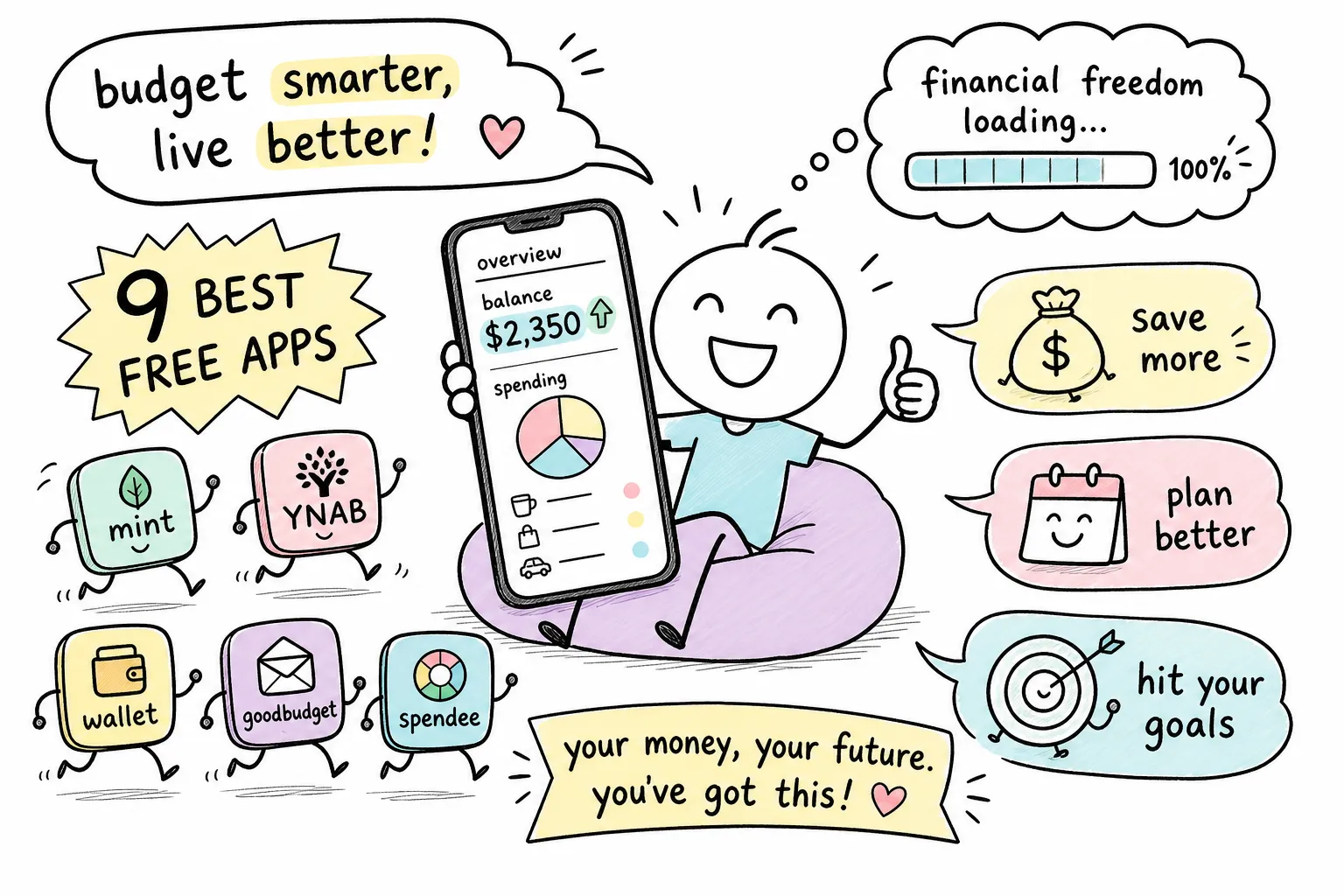
If you're searching for the top free budgeting apps for millennials in the United States, you've probably been through this cycle before: download a budgeting app, connect the checking account, poke around for a few days, and then quietly abandon it before the month is out. The app sits on the phone collecting digital dust, and the same old money habits continue unchanged. The problem rarely comes down to discipline. More often, it's a mismatch between the tool and the person using it.
The free budgeting app landscape in 2026 has expanded significantly, but it's also gotten more confusing. Some apps advertise as free while quietly locking their most useful features behind a paywall. Others are genuinely free but built for a financial life that looks nothing like yours. This guide cuts through that noise with an honest, feature-by-feature comparison of the nine best free money management apps available to U.S. millennials right now.
You'll find a breakdown of the truly free picks, the freemium apps with tiers worth considering, a situation-based recommendation guide, and a quick setup checklist at the end. And because an app tracks your numbers but doesn't teach you the strategy behind them, there's a pointer at the close to where you can build the financial knowledge to actually use these tools well. That's the kind of foundational, jargon-free guidance The Growth Engine is built around.
Top free budgeting apps for millennials in the United States, quick picks
The budgeting gap most millennials don't realize exists
Bank apps are designed to show you what happened, not help you plan what should happen. They display your transaction history, flag potential fraud, and let you transfer funds. What they don't do is help you think ahead, allocate income before you spend it, or create any kind of intentional financial structure. A dedicated budget tracker app operates on a completely different logic: it separates your real-time transactions from your forward-looking spending plan and gives you a framework to work within.
That distinction matters more than most people realize. Seeing that you spent $400 on groceries last month tells you something. Having a $350 grocery budget that you're tracking against in real time changes your behavior before the damage is done. Bank apps handle the first job. Budgeting apps handle the second.
Irregular income and subscription creep make it worse
Many millennials face two compounding challenges: income variability and subscription stacking. Gig work, freelancing, and contract roles mean your monthly deposit amount can swing by hundreds of dollars with no warning. Standard bank dashboards aren't built to handle budgeting on fluctuating income. They assume stable paychecks, and the moment your income varies, the categories fall apart.
Then there's the silent drain of subscription accumulation. Streaming services, software tools, cloud storage, fitness apps, meal kit trials, each one small, each one easy to forget. Research from financial aggregator services consistently shows that most users are paying for multiple subscriptions they've stopped actively using. Subscription tracking apps are built specifically to surface this problem, and even the free tiers of apps like Rocket Money will find charges you didn't know you were still carrying. A dedicated personal finance app pays off in real dollars, even when it costs nothing.
How we evaluated these budgeting apps
The five features that actually matter to millennials
Every app in this list was evaluated against five criteria: bank syncing reliability, subscription and recurring charge tracking, savings goal tools, ease of initial setup, and whether the features listed as "free" are genuinely accessible without paying. That last point needs emphasis because the app store definition of "free" and the reality of what you can actually do without a credit card are often very different things.
No single app in this roundup scores perfectly across all five. The goal here isn't to find a winner but to match each app's strongest capabilities to the right type of user. A student with one checking account has completely different needs than a freelancer juggling irregular invoices and three credit cards.
What "free" actually means in 2026
There are two categories worth separating cleanly. The first is apps with no paid tier at all: Empower Personal Dashboard, NerdWallet, and Honeydue fall here. They're free in the full sense of the word, with no upgrade path and no features behind a paywall. The second category is freemium apps where a real, usable free tier exists but hits a ceiling at some point. Rocket Money, Goodbudget, EveryDollar, PocketGuard, Cleo, and Wallet by BudgetBakers all fall into this second group.
Understanding that distinction upfront saves frustration later. If you download a freemium app expecting the full feature set and hit a paywall on day three, you're likely to abandon the app entirely rather than realizing you're using the wrong tool for your situation.
The best truly free budgeting apps (no paid tier required)
1. Empower Personal Dashboard
Empower is the clearest example of a genuinely free financial dashboard. There's no premium tier, no upgrade prompt, and no features locked behind a subscription. What you get is a comprehensive view of your financial life: linked bank accounts, credit cards, investment accounts, net worth tracking, and spending breakdowns across all of them. It holds a 4.6/5 rating in the App Store, though the Google Play rating sits lower at 3.8/5, which is worth noting for Android users.
Empower works best for millennials who want a bird's-eye view of their finances rather than granular category budgeting. It won't enforce a strict spending envelope or prompt you when you've hit a grocery limit. What it does is give you a clean, consolidated picture of where you stand financially, a strong starting point if you've never had one before.
2. NerdWallet
NerdWallet built its reputation as a financial comparison site, but the app it pairs with that content is a genuinely solid free tool. It offers credit score monitoring, debt tracking, spending summaries, and an integrated view of linked accounts, all without a premium tier or upgrade pressure. For someone just getting started with personal finance who wants one free app that covers the basics without forcing a methodology choice, NerdWallet is a natural fit.
The limitation worth knowing upfront is that NerdWallet does not emphasize envelope or zero-based budgeting workflows. It gives you insight into your financial picture but doesn't impose a planning structure on top of it. If you want that kind of proactive allocation framework, you'll need one of the freemium apps covered in the next section.
3. Honeydue
Honeydue is a fully free app built specifically for couples managing shared finances. Both partners can see linked accounts, set bill reminders, and receive alerts when the other makes a purchase. It reduces the friction of the "money conversation" in relationships by making financial data visible to both people without requiring a spreadsheet or a weekly sit-down to sync up.
The practical caveat is that bank sync reliability has been an issue for some users, particularly with smaller credit unions and regional banks. The App Store rating lands at 4.5/5, while the Google Play rating is lower at 4.0/5, suggesting Android users have had a rougher experience. If your primary financial institution connects cleanly, Honeydue is a strong no-cost option for shared financial management.
Best freemium budgeting apps with strong free tiers
4. Rocket Money (best for subscription tracking)
Rocket Money's standout feature is automatic subscription detection. Connect your accounts and it surfaces recurring charges you may have forgotten about: streaming services, software trials that converted to paid, gym memberships, annual renewals that hit once and disappear from your memory. The free tier covers basic budgeting and subscription monitoring, which is genuinely valuable on its own.
Where the free tier hits its ceiling is customization. You're limited to two custom spending categories on the free plan, and the subscription cancellation concierge, where Rocket Money contacts the company and cancels on your behalf, is a Premium feature priced at 7 - 14. For most users focused on finding and cutting forgotten subscriptions, the free tier does the job. For deeper automation and full category control, the paid upgrade becomes more relevant.
5. Goodbudget (best envelope budgeting app)
Envelope budgeting works on a simple principle: you allocate money into named "envelopes" before you spend, and when an envelope is empty, you stop spending in that category. It's one of the oldest personal finance frameworks, and Goodbudget is the most polished digital version of it. The free tier comes with capped envelopes and accounts, but the core methodology is fully functional without paying anything.
This approach works particularly well for variable income situations because you only budget money that's already in your account. You don't forecast a paycheck you haven't received yet. That makes it one of the stronger choices for freelancers and gig workers who need a system that flexes with irregular deposits rather than assuming a fixed monthly income.
6. EveryDollar (best zero-based budgeting app for beginners)
Zero-based budgeting means every dollar you earn gets assigned a specific job before the month begins. Income minus planned spending equals zero, and nothing floats in an unallocated pool. EveryDollar is built around this framework and makes the setup process straightforward enough for someone who has never formally budgeted before.
The significant trade-off on the free tier is that bank syncing is locked behind the paid plan at $79.99 per year. Free users enter transactions manually. For some people, that's actually a feature: the friction of manual entry forces attention to every transaction. For others, it's a dealbreaker. If you're willing to log purchases yourself, the free version of EveryDollar is a solid zero-based budgeting tool. If you need automatic syncing, the paid tier is the only way to get it here.
7. PocketGuard
PocketGuard's most useful feature is the "In My Pocket" calculation, which shows you how much you can safely spend after accounting for bills, savings goals, and recurring charges. It's a daily snapshot rather than a deep planning tool, and that simplicity is its main appeal. Rather than building a complex category structure, you check the number and know at a glance whether you have room to spend.
The free tier covers the basics, but advanced reporting and full customization require the paid plan. PocketGuard works best for millennials who want a quick, low-maintenance daily check-in rather than an in-depth budgeting system they need to actively manage.
8. Cleo
Cleo takes a different approach than every other app on this list. Instead of a traditional dashboard, it uses an AI chatbot interface that communicates in a conversational, sometimes blunt tone designed to resonate with younger users. Ask Cleo how much you spent on food last week and it'll tell you, along with a comment that might make you laugh or wince. The free tier covers basic spending insights and budget tracking.
The Cleo Plus tier at $5.99 per month unlocks additional AI features, savings tools, and more detailed analysis. For millennials who find traditional finance dashboards cold and boring, Cleo's personality-driven format can be the difference between actually engaging with their budget and ignoring it entirely. It's a legitimate budgeting option that just communicates differently than the rest of the field.
9. Wallet by BudgetBakers
Wallet offers a broad feature set on its free tier, including budget categories, expense tracking, and basic financial reports. It has a slightly steeper learning curve than some other apps here, but users who invest time in the setup get a flexible tool they can customize to their specific financial situation. Advanced syncing, deeper reporting, and some automation features are behind the paid plan.
It's a good option for users who want flexibility and don't mind spending an hour getting the app configured properly. If you're the type of person who builds detailed spreadsheets and wants an app that matches that level of customization without immediately pushing you toward a subscription, Wallet is worth evaluating.
How to choose the top free budgeting apps for millennials in the United States
If you're a student or recent grad with limited income
Start with Empower or NerdWallet. Both are completely free, require no methodology commitment, and give you a clear picture of where your money is going without overwhelming you with setup decisions. A useful "baseline" looks like this: see what you're spending in three or four major categories, food, housing, transportation, and discretionary, before you build any kind of formal system. These apps surface that picture immediately. For a first-time budgeter, they're zero-pressure entry points that won't demand anything beyond connecting an account.
If you have gig or freelance income
Goodbudget or EveryDollar serve this situation well. Both envelope and zero-based budgeting frameworks share the same core principle for variable income: you only budget money that has already arrived in your account. You don't project a paycheck you haven't received. That prevents the common freelancer mistake of budgeting optimistically against an expected invoice that gets delayed by three weeks.
If you're focused on debt payoff
Pair Rocket Money with NerdWallet. Use Rocket Money to surface and cancel forgotten subscriptions, recovering cash you're already losing, then direct those savings toward a debt snowball or avalanche strategy tracked through NerdWallet's debt dashboard. Finding money you're already losing is often faster than cutting spending you actually use.
If you're managing finances with a partner
Honeydue is a genuinely free option built for shared financial visibility. Both partners see the same account data, can comment on transactions, and receive bill reminders together. It removes the information asymmetry that creates money conflict in relationships. One person no longer knows less than the other about what's coming in and going out.
Free vs. freemium: what you're actually giving up
The features consistently locked behind paywalls
Across the freemium apps in this list, a clear pattern emerges around what gets locked. Bank syncing is the most common paywall feature: EveryDollar's free tier is entirely manual, and some other apps limit the number of accounts you can connect without paying. Unlimited spending categories and envelopes are locked in Goodbudget and Rocket Money. Advanced reporting, transaction rules, and export features typically require paid tiers as well.
The honest framing is this: some apps that call themselves free are only free in a narrow technical sense. If the one feature you actually need is behind a paywall, it's effectively a paid app with a trial period dressed up as a free tier. Know what you need before you download anything.
When it's worth paying for an upgrade
The practical test is straightforward. If the app saves you more money per month than it costs, the upgrade pays for itself. Rocket Money Premium at $7 to $14 per month is worthwhile if it finds and cancels subscriptions you forgot about. YNAB users often report that the $109 per year cost pays for itself through avoided overspending, though that math only works if you use the app consistently enough to realize those savings.
How to start free and upgrade smartly
Try the free tier for 30 to 60 days before committing to any paid plan. That's enough time to know whether a specific app fits how you actually think about money. The free budgeting apps on this list are genuinely functional for most people's core needs. If you hit a specific limitation that's preventing you from using the tool properly, that's the signal to upgrade. Don't pay for features you haven't needed yet.
Privacy and security: what happens when you connect your bank
How these apps access your financial data
Most budgeting apps connect to your bank through a third-party aggregator, with Plaid being among the most widely used in this category. Plaid sits between the app and your financial institution, authenticating the connection and passing account data to the app. Both Rocket Money and EveryDollar's premium tier use Plaid for bank linking. For most standard budgeting connections, these integrations are read-only, the app can see your transactions and balances but cannot initiate transfers or move money, and your bank credentials are not shared directly with the budgeting app. That said, permitted actions and implementation details vary by app, so it's worth reviewing each app's specific data-access terms before connecting.
Key things to check before you sign up
Before connecting any financial account to a budgeting app, run through three practical checks. First, review the app's data-sharing policy and specifically look for whether it sells anonymized transaction data to financial partners or advertising networks, some apps monetize their free tier exactly this way. Second, confirm the app uses encryption for stored credentials and data. Third, look for two-factor authentication as a minimum security standard, since your financial data shouldn't be accessible with just a password.
A transitional note worth making here: the question of how apps access your data connects directly to a broader concern about how free apps sustain themselves.
Red flags to watch for in free money management apps
Vague or difficult-to-find privacy policies are a warning sign worth taking seriously. A legitimate app will tell you clearly what data it collects, who it shares it with, and how you can delete your account and data. Apps that require more personal information than their stated features justify are worth scrutinizing more closely. And if a free app has no obvious revenue model, it may be monetizing your data, check the privacy policy before you hand over your full transaction history. That's not always a dealbreaker, but it's worth understanding upfront.
Your budgeting app setup checklist
Step-by-step: from download to first budget
Most people abandon budgeting apps not because the app is bad but because the initial setup feels overwhelming and they never actually complete it. This checklist is designed to get you from download to a working first budget quickly, though setup time will vary depending on the app and how many accounts you're connecting.
- Choose your app based on your financial situation from the section above. Resist the urge to download three at once.
- Create your account using an email address separate from your primary inbox to reduce clutter and keep financial notifications organized.
- Connect your most-used checking account and one primary credit card to start; you can add more accounts once the initial setup feels comfortable.
- Set your income using your lowest expected month if your income varies, not your average or best month. This creates a buffer rather than a shortfall.
- Build four to six spending categories that reflect how you actually spend money, not how you think you should spend it. Honesty here is the whole point.
- Set one savings goal immediately, even a small one, so the app has a purpose beyond tracking spending you've already done.
- Block a recurring 10-minute slot on your phone's calendar every week to check your numbers; the app does the tracking, but you still need to show up for the review.
Taking your finances beyond the app
A budgeting app is a tracking tool. It records numbers accurately and surfaces patterns you might otherwise miss. What it doesn't do is teach you how to think about debt payoff strategies, which savings frameworks fit your income level, or how to start building income alongside managing expenses. The tool is only as useful as the strategy you bring to it.
For millennials who want to pair a working budget tracker with genuine personal finance education, covering debt payoff methods, savings systems, and income growth, that's exactly what The Growth Engine covers. Once your app is set up and you've completed your first two-week review cycle, the natural next step is building the knowledge around the numbers you're now tracking.
The bottom line on free budgeting apps for millennials
Among the top free budgeting apps for millennials in the United States, the right choice is the one that matches how you actually live and earn, not the one with the most features or the highest app store rating. If you want zero commitment and zero cost, Empower, NerdWallet, and Honeydue are all genuinely free with no upgrade pressure. If you want more structure and you're willing to work within a free tier's limitations, Rocket Money, Goodbudget, EveryDollar, PocketGuard, Cleo, and Wallet by BudgetBakers all offer real value before you spend a dollar.
Understanding the free versus freemium trade-off before you download anything saves the frustration of hitting a paywall on the exact feature you needed most. Read the fine print, know what you need the app to do, and choose accordingly. Most of these apps offer enough on their free tier to build a functional budgeting habit without pulling out a credit card.
Getting the app set up is step one. Building the financial habits and knowledge around it is where the real change happens. Pick one app from this list, run through the setup checklist, and then come back to The Growth Engine for the next layer of your personal finance foundation. The numbers are waiting for you.
#BudgetingApps #PersonalFinance #MillennialFinances


Comments
Post a Comment